
How to Use an Action Cam And How To Win One

Last Updated on: 8th May 2025, 08:54 pm
The weather is getting better. We all want to spend more time outside, and the sun makes us feel more active. Making memories as you go out and about is fun, especially if you have an action cam. We have an Insta 360 for when we travel. But starting smaller is easier, especially if you are encouraging kids to document their lives with a camera. It is easy to use an action cam, and we wanted to share some tips with you today. As well as a chance to win one later on in the blog.
Action cameras have revolutionised how we capture life’s most thrilling and dynamic moments. Whether you’re documenting an adventurous hike, your child’s sports game, or an underwater dive, these compact devices are built to handle it all. However, to make the most of your action cam, you need to understand its features, settings, and best practices. Here’s a detailed guide to help you use an action cam effectively.
Getting To Know And Use Your Action Cam
Before diving into action-packed shoots, it’s essential to familiarise yourself with your camera. Start by reading the user manual to understand the camera’s buttons, settings, and modes. I know it is easy to skip the instructions. But they are there to help you. Most action cams come with features like high-definition video recording, slow-motion capabilities, and time-lapse functions. Depending on your model, you may also have options like voice commands and built-in stabilisation.
When it comes to video quality, select the resolution and frame rate that will best suit your needs. For smooth and crisp footage, 1080p at 60 frames per second (fps) is a safe choice, but if you’re looking to create dramatic slow-motion videos, opt for 120fps or higher. If you’re filming in 4K, ensure your memory card and device have sufficient storage and processing power to handle the larger file sizes. Watch YouTube videos about your action cam, and see how others are using it.
Mounting Your Camera For The Best Angles
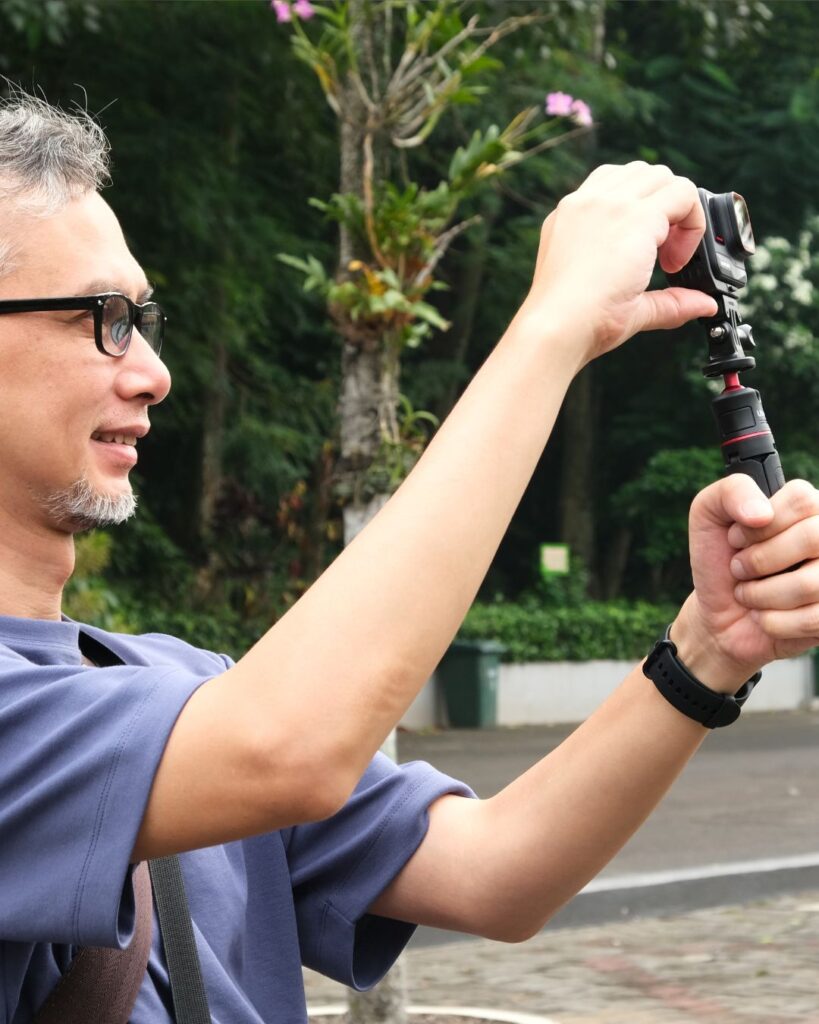
One of the key advantages of action cams is their versatility in capturing unique perspectives. To achieve this, you’ll need to select the appropriate mount for your activity. For hands-free filming, consider head or chest mounts, which provide a first-person view. If you’re cycling or driving, a handlebar or suction cup mount can help you capture smooth footage.
Ensure your mount is securely fastened to avoid shaky or unstable shots. Many action cams also feature built-in stabilisation, which minimises vibrations and ensures smoother videos, especially during high-intensity activities. Experiment with different angles and positions to make your footage more dynamic and engaging.
Mastering The Settings For Optimal Results
Action cams are equipped with various settings that allow you to customise your shooting experience. One of the most important settings to master is the field of view (FOV). A wide-angle FOV captures more of the scene, making it ideal for landscapes or group activities. However, if you want to focus on a specific subject, switch to a narrow or medium FOV.
Another crucial setting is the ISO, which controls the camera’s sensitivity to light. In bright conditions, use a low ISO to avoid overexposed footage, while in low-light environments, increase the ISO to maintain visibility. Additionally, many action cams offer a low-light mode, which automatically adjusts settings for better performance in dim conditions.
Planning And Capturing Your Shots When You Use Your Action Cam
To create compelling content, it’s important to plan your shots. Think about the story you want to tell and the angles that will best convey it. For example, if you’re filming a family hike, you might start with a wide shot of the trail, followed by close-ups of your kids exploring nature.
If your camera supports burst mode or continuous shooting, use it to capture fast-moving subjects. This feature takes multiple shots in quick succession, increasing your chances of getting the perfect shot. For video, use loop recording when filming extended activities, as it overwrites older footage to save storage space.

Maximising Battery Life and Storage
Action cams are notorious for their short battery life, especially when recording in high resolution. To avoid interruptions, carry extra batteries or a portable power bank. If you’re filming in remote locations, consider turning off Wi-Fi and Bluetooth to save power.
Storage is another essential consideration. Use a high-capacity microsd card with a fast read/write speed to ensure smooth recording. It’s also a good idea to format your memory card regularly to stop errors and maintain optimal performance.
Using Waterproof And Protective Accessories
One of the standout features of action cams is their ability to withstand extreme conditions. Many models are waterproof, but for deeper dives or harsh environments, use a protective housing. Check the depth rating of your camera and housing to ensure it’s suitable for your activity.
As well as waterproof cases, think about lens protectors and anti-fog inserts. These accessories help you to keep clear footage and protect your camera from scratches, moisture, and dust.
Editing And Sharing Your Footage
Once you’ve captured your footage, the next step is editing. Use video editing software like GoPro Quik, Adobe Premiere Rush, or iMovie to enhance your videos. You can trim clips, adjust colours, and add music or text to make your content more engaging. For a professional touch, experiment with transitions and effects.
When your video is ready, share it on social media or your blog. Action cams often come with companion apps that allow you to transfer footage directly to your phone for quick edits and uploads. This is a great way to keep your audience engaged and showcase your adventures.
Maintaining Your Action Cam
To make sure that your action cam stays in top condition, clean the lens regularly with a microfiber cloth to remove dirt and smudges. After filming in water, rinse the camera with fresh water to remove salt or chlorine. Finally, keep your firmware updated to access the latest features and improvements.
Final Thoughts: To Use An Action Cam
Using an action cam effectively requires a mix of technical knowledge, creativity, and preparation. By mastering its settings, experimenting with angles, and planning your shots, you can capture stunning footage that tells a story. Don’t forget to keep your camera charged, protected, and well-maintained to ensure it delivers consistent results.
Whether you’re documenting family moments, outdoor adventures, or high-energy activities, an action cam is a versatile tool that can bring your vision to life. So grab your camera, get out there, and start filming!
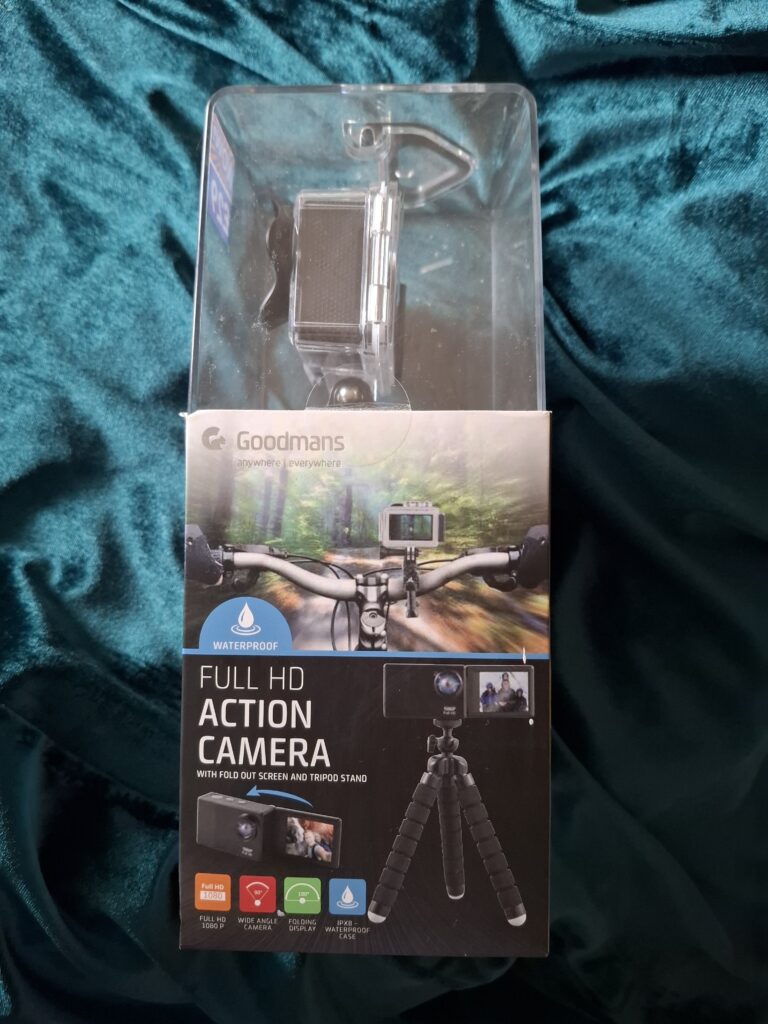
How To Win A Goodmans Full HD Action Camera
To win your own camera and a £10 Amazon voucher to buy some accessories, please enter using the rafflecopter below. There are extra entry points, but you do not need to enter them if you don’t want to. But the more you enter, the more chances you have of winning.
a Rafflecopter giveawayTerms And Conditions
- UK entries only
- Open to people of all ages
- Comments should be 4 words or more on blog posts, Instagram, and TikTok
- If you have entered the competition, please make sure you have entered all of the requirements. Otherwise, your entries will be void.
- Please make comments relevant to the questions/blog posts/ social media posts. Otherwise, your entries will be null and void
- Only one comment per Instagram/TikTok post. Only one comment per post
- You have 28 days from the announcement of winning to claim your prize. Otherwise, it gets redrawn or donated to charity